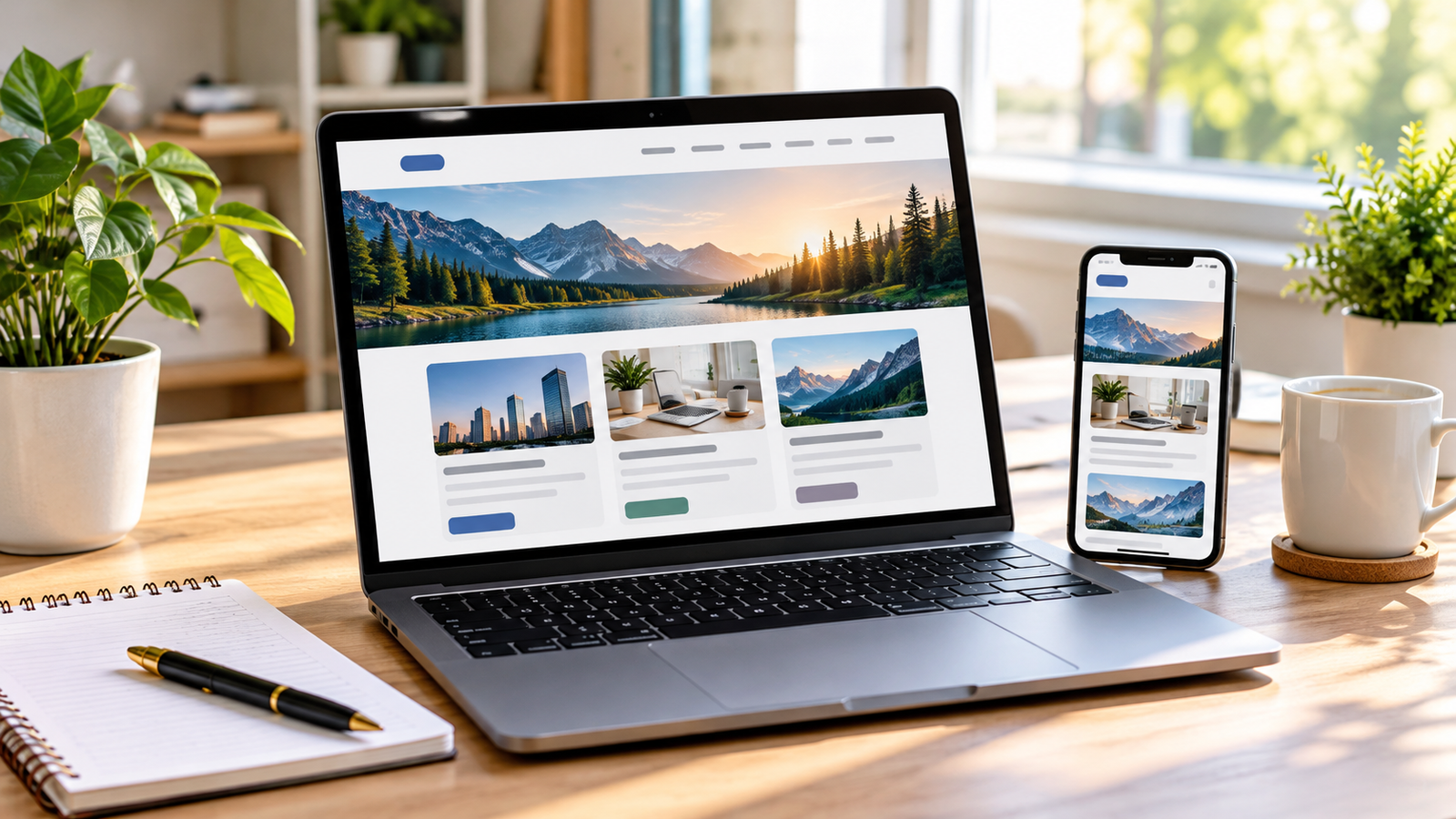
How to Create a Website for Beginners Without Coding
Creating a website without coding is easier than ever. Whether you want to start a blog, build a business website, share educational content, or earn money online, you can create a professional-looking website using beginner-friendly website builders.
You do not need to learn HTML, CSS, JavaScript, or other programming languages to get started. With the right platform, a suitable design, and a little practice, you can build and publish your first website in a few hours.
In this guide, you will learn how to create a website without coding, which platforms to choose, how much it costs, and how to make your website available to visitors around the world.
What Does It Mean to Create a Website Without Coding?
Creating a website without coding means using a platform that allows you to design and manage web pages through visual editors, ready-made templates, and drag-and-drop tools.
Instead of writing programming instructions, you can select a template, add text and images, customize colors, and organize your pages using a visual interface.
For example, if you want to create a technology blog, you can choose a blog template, add your website name, publish articles, and organize them into categories without writing code.
These platforms are often called no-code website builders or content management systems.
1. Choose the Right Website Platform
The first step is selecting a platform that matches your goals, budget, and technical experience. Several beginner-friendly options are available.
WordPress
WordPress is one of the most flexible options for creating a blog, informational website, or content-based business website. It offers thousands of themes and plugins that let you customize your website without programming.
WordPress.org software is free, although you generally need to pay for hosting and a domain name. You can also use visual page builders to customize layouts.
WordPress is particularly useful for people who want to publish articles regularly, improve their search engine rankings, and monetize their websites through advertising or affiliate marketing.
Wix
Wix provides a visual website editor with templates for blogs, portfolios, businesses, and online stores. Beginners can customize pages by selecting and moving elements within the editor.
It offers a convenient way to build a website without managing as many technical details. However, advanced features and connecting a custom domain may require a paid plan.
Google Sites
Google Sites is a straightforward option for simple informational websites, school projects, internal team pages, and basic portfolios.
It is easy to use and integrates with other Google services. However, it provides fewer customization and blogging features than WordPress.
Shopify
Shopify is designed primarily for people who want to sell products online. It provides tools for managing products, payments, inventory, orders, and storefront design.
It is a good choice for beginners who want to create an online store without building ecommerce functionality from scratch, although subscription and transaction-related costs should be considered.
Which platform should you choose?
If you want to start a blog, publish SEO articles, and potentially earn money through advertising, WordPress.org is a strong starting point. If you need a simple business website with minimal setup, Wix or Google Sites may be more suitable.
2. Choose a Domain Name
A domain name is your website’s address on the internet. For example, example.com is a domain name.
Choose a name that is easy to remember, spell, and associate with your website’s subject.
Follow these tips when selecting your domain:
- Keep the name short and simple.
- Choose a name related to your website’s topic or brand.
- Avoid unnecessary numbers and hyphens.
- Check whether the domain is available before purchasing it.
- Consider a suitable extension, such as .com, .org, or a country-specific extension.
A custom domain makes your website easier to recognize and more professional than a long, platform-provided address.
Domain registration usually involves a yearly fee. Prices vary by extension, registrar, and promotional offers, so check renewal prices before purchasing.
3. Get Web Hosting if You Choose WordPress.org
Web hosting is a service that stores your website’s files and makes them accessible to visitors.
If you choose self-hosted WordPress.org, you need a hosting provider. Many hosting companies offer beginner-friendly WordPress installation tools.
When comparing hosting services, consider:
- Reliability and uptime.
- Website loading speed.
- Security features and SSL support.
- Backup and restoration options.
- Customer support.
- Renewal prices and available resources.
Some hosting providers offer a domain name with selected annual plans, but you should review the terms carefully.
After purchasing hosting, connect your domain to the hosting account and install WordPress using the provider’s setup wizard. The exact steps depend on your hosting company.
You generally do not need to purchase separate hosting for a hosted website builder because hosting is commonly included in its subscription.
4. Select a Professional Website Theme
A theme determines your website’s overall appearance, including its layout, typography, colors, menus, and article presentation.
For WordPress, you can choose a free theme from the official theme directory or purchase a premium theme if you need additional features.
Look for a theme that offers:
- A responsive design for phones, tablets, and computers.
- Fast loading performance.
- Readable typography.
- A clean homepage and article layout.
- Good accessibility.
- Regular updates and reliable support.
Avoid installing too many unnecessary plugins or design elements. A simple, lightweight theme can provide a better experience than a complicated design filled with animations.
Once you activate your theme, customize the logo, colors, header, footer, and navigation menu to match your website’s purpose.
5. Create the Essential Website Pages
Before publishing your first article, create the basic pages visitors expect to find.
Homepage
Your homepage introduces your website and explains what visitors can find there. Include a clear headline, a short introduction, and links to important content.
About Us
Explain the purpose of your website, the topics you cover, and why visitors should trust your content.
Contact Us
Provide a way for readers, customers, or potential partners to contact you. Depending on your needs, you can use a contact form or a dedicated email address.
Privacy Policy
Explain how your website collects, uses, and protects personal information. If you use analytics tools, advertising services, or contact forms, make sure your policy reflects those practices and applicable legal requirements.
Terms and Conditions
This page can explain the rules governing your website’s use. Whether it is necessary and what it should contain depend on your website and business model.
If you plan to monetize a blog, you should also consider a clear advertising or affiliate disclosure when relevant.
6. Design Your Website Without Coding
Most website builders allow you to customize your design visually. WordPress users can work with the built-in editor, block-based themes, or compatible visual page builders.
Start by choosing a simple layout and adding your own content.
For example, a technology blog might use this structure:
- A header containing the logo and navigation menu.
- A featured section displaying recent articles.
- Categories such as artificial intelligence, cybersecurity, and web development.
- Article cards containing a featured image, title, and short description.
- A sidebar, if useful, for categories or popular posts.
- A footer containing important links and contact information.
Keep the design consistent across your pages. Use a small number of colors, readable fonts, and clear headings.
Most importantly, test your website on a mobile phone. Many visitors will access your content on smaller screens, so menus, images, and paragraphs should remain easy to use.
7. Add Your First Blog Post or Website Content
Content gives visitors a reason to discover and revisit your website.
If you are starting a blog, choose topics that answer specific questions your target audience is searching for.
For example, a technology website might publish articles such as:
- How to Create a Website for Beginners Without Coding.
- How to Improve Wi-Fi Speed at Home.
- Cloud Storage Explained for Beginners.
- How to Recognize Phishing Scams.
- Artificial Intelligence: A Beginner’s Guide.
Before writing an article, identify its main search intent. Ask what the reader wants to learn and organize your article around that need.
A useful article structure includes:
- A clear, descriptive title.
- An introduction explaining what readers will learn.
- Main sections organized with headings.
- Practical examples and step-by-step instructions.
- Relevant images or illustrations.
- A conclusion summarizing the key points.
Write original, helpful content instead of copying other websites. Review factual claims, update outdated information, and make sure each article provides genuine value.
8. Optimize Your Website for Search Engines
Search engine optimization, or SEO, helps search engines understand your pages and can improve their chances of appearing in relevant search results.
You do not need to be a programmer to handle many basic SEO tasks.
Use Descriptive Titles
Write a clear title that explains what the page covers. Include your primary keyword naturally when it accurately describes the content.
Organize Headings
Use one clear main heading and logical subheadings to make your article easier to scan. Avoid adding keywords where they do not fit naturally.
Optimize Images
Use relevant images, descriptive alternative text, and appropriately sized image files. Compress images to help pages load faster.
Create Internal Links
Link to other relevant articles on your website. Internal links help visitors discover related information and help search engines understand the relationship between your pages.
Improve Loading Speed
Choose reliable hosting, use a lightweight theme, compress images, and avoid unnecessary plugins or scripts.
Set Up Search Tools
Google Search Console helps you monitor search visibility, indexing, and technical issues. An analytics tool can help you understand how visitors interact with your website.
SEO takes time, and no platform or plugin can guarantee top rankings. Focus on useful content, a good user experience, and consistent improvements.
9. Make Your Website Secure
Security is important even if you do not handle payments or sensitive customer information.
Start with these basic precautions:
- Enable HTTPS using a valid SSL/TLS certificate.
- Use strong, unique passwords.
- Enable two-factor authentication where available.
- Keep your platform, theme, and plugins updated.
- Back up your website regularly.
- Install plugins only from trustworthy sources.
- Remove unused themes and plugins.
- Use reputable security tools when appropriate.
If your website collects information through forms, configure them carefully and avoid requesting unnecessary personal data.
A secure website helps protect your visitors and reduces the risk of preventable technical problems.
10. Publish Your Website
Once your pages, design, and content are ready, review everything before making the website public.
Use this checklist:
-
Your domain is connected correctly.
-
Your website loads over HTTPS.
-
Navigation menus work.
-
All important pages are available.
-
Images display correctly.
-
Contact forms work.
-
Pages look good on mobile devices.
-
Spelling and grammar have been checked.
-
Privacy and advertising disclosures are appropriate.
-
Backups and basic security measures are configured.
Hosted website builders often provide a Publish button. With WordPress, your pages and posts can be published through the dashboard, provided your domain and hosting are configured correctly.
After publishing, open the website in a private browser window and test it as a new visitor would.
11. Understand the Cost of Creating a Website
The cost depends on your platform, design choices, hosting needs, and required features.
| Expense | Typical arrangement |
|---|---|
| Website software | Free for WordPress.org software |
| Domain name | Usually paid annually |
| Web hosting | Paid for self-hosted WordPress |
| Theme | Free or paid |
| Plugins | Many free options; some paid |
| Website builder | Free tier or paid subscription |
| Maintenance | May be free if handled yourself |
A simple website can be started with a relatively small budget, while ecommerce websites and high-traffic projects may require more investment.
Do not buy premium themes, plugins, or services before understanding whether you actually need them. Start with the essential features and upgrade when your website’s needs justify the expense.
12. How Can You Earn Money From Your Website?
After creating useful content and attracting visitors, you may be able to monetize your website.
Popular methods include:
Display advertising: Advertising networks display ads on eligible websites and may pay based on impressions, clicks, or other arrangements.
Affiliate marketing: You recommend relevant products or services using tracked links and may earn a commission when qualifying purchases occur.
Selling products: You can offer digital downloads, courses, physical products, or other items.
Offering services: A website can help you attract clients for writing, consulting, design, tutoring, or other services.
Sponsored content: Businesses may pay for eligible promotional content when your website reaches a relevant audience.
Monetization is not guaranteed. Earnings depend on traffic quality, audience location, content, advertiser demand, eligibility, and compliance with the relevant platform’s rules.
Build a useful website first rather than filling every page with advertisements. Too many intrusive ads can slow down the site and make it harder for readers to use.
Common Mistakes Beginners Should Avoid
New website owners sometimes spend too much time perfecting the design and not enough time creating useful content.
Avoid these common mistakes:
- Choosing a complicated theme with unnecessary features.
- Publishing copied or low-quality articles.
- Ignoring mobile users.
- Forgetting to create essential pages.
- Installing too many plugins.
- Neglecting website backups and updates.
- Expecting immediate search traffic or advertising income.
- Ignoring privacy requirements and advertising policies.
A successful website is usually built through consistent publishing, careful maintenance, and a willingness to improve based on real visitor needs.
Conclusion
Creating a website for beginners without coding is entirely achievable. Website builders and content management systems let you design pages, publish articles, and manage your online presence without learning programming first.
Start by choosing a platform that fits your goals, selecting a domain, setting up the design, and creating essential pages. Then publish helpful content, apply basic SEO practices, secure your website, and improve it over time.
If your goal is to build a blog or content website, WordPress.org is a flexible starting point. You can begin with a free theme and essential plugins, then add features as your audience grows.
The best time to start is when you have a clear purpose and are ready to publish something useful. You can learn the more advanced parts of website management as you go.
